What Happens When You Click "Add to Chrome"? An Honest Guide to Halo Aware & Privacy
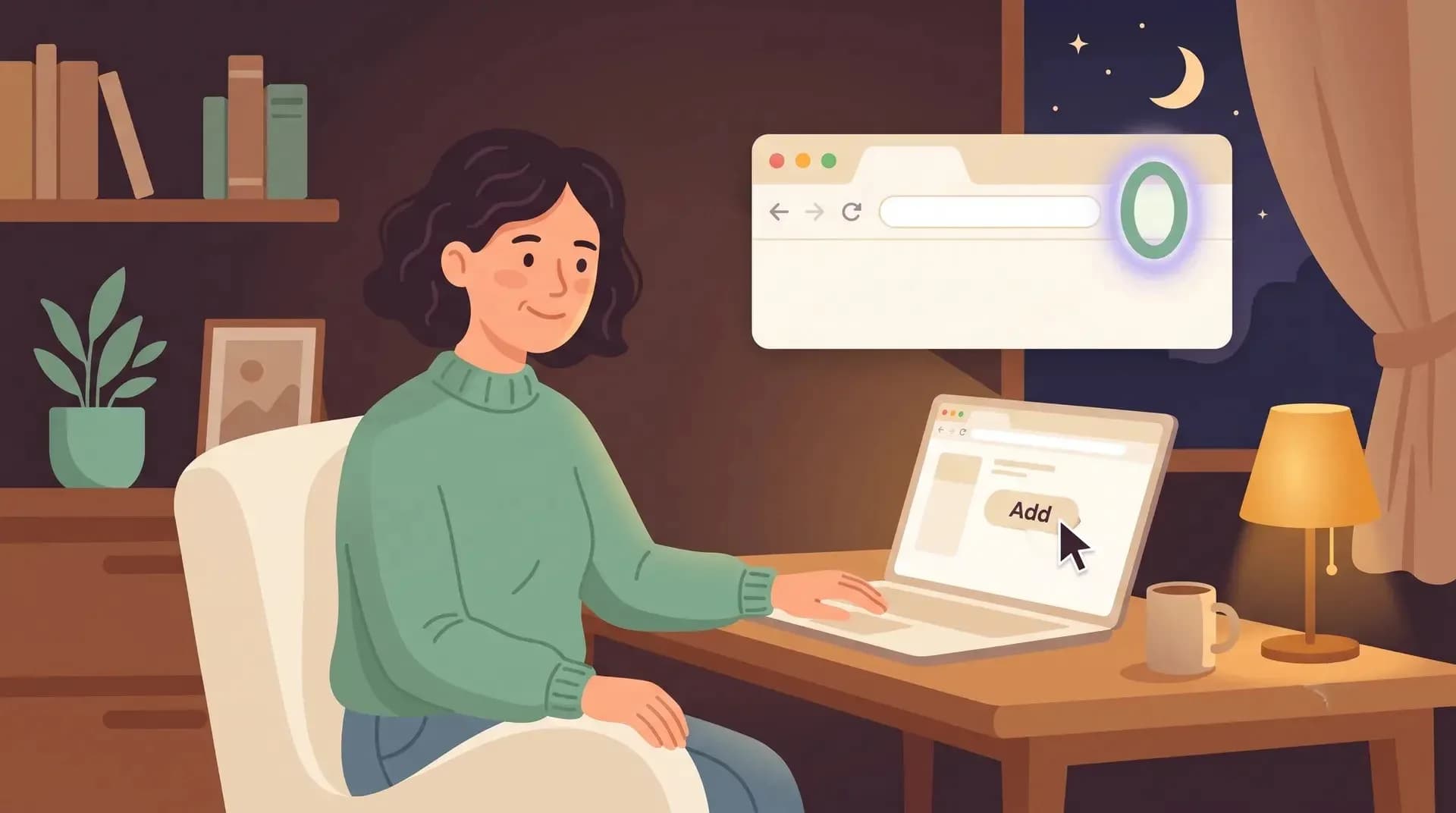
If you have ever hovered over that "Add to Chrome" button and felt a small knot in your stomach, good. You should. That is your gut feeling.
You are about to install something that keeps an eye on your child’s interactions with AI. That is not a small thing to hand over, and anyone telling you otherwise hasn't really thought it through.
Every few weeks, there is another headline about an odd browser extension quietly scraping private chats, browsing histories, or worse. So if part of you is asking, "Hang on, what is this thing actually going to see?" that is exactly the right question to ask.
Here is the honest answer, plain and simple.
What the Extension Can See
The Halo Aware browser extension watches one specific thing: your child's conversations on the AI platforms we support.
When your child opens one of these platforms and starts typing, the extension sees that conversation. Seeing it is the entire point, there is no magic way to spot online risks without looking at how kids are actually using AI.
That is the honest answer at the heart of what we do, and we won't pretend otherwise.
What the Extension Cannot See
Here is the part that matters just as much, though most people forget to ask about it.
Our extension wakes up on supported AI sites and stays completely asleep everywhere else.
It does not read the rest of the web. It isn't watching their bank account, their school email, their Google Docs, or the fifty other tabs a teenager leaves open.
It does not track general online activity. It does not log search history, YouTube views, social media DMs, or texts to friends.
Those spaces are not ours to look at, so we built a tool that simply can't access them.
Where That Information Goes (And What You Actually See)
This is where Halo Aware works differently from traditional parental control tools, and it’s the part we care about most.
When your child chats with an AI, we don't just dump raw transcripts onto your phone. Instead, the conversation is turned into a high-level summary.
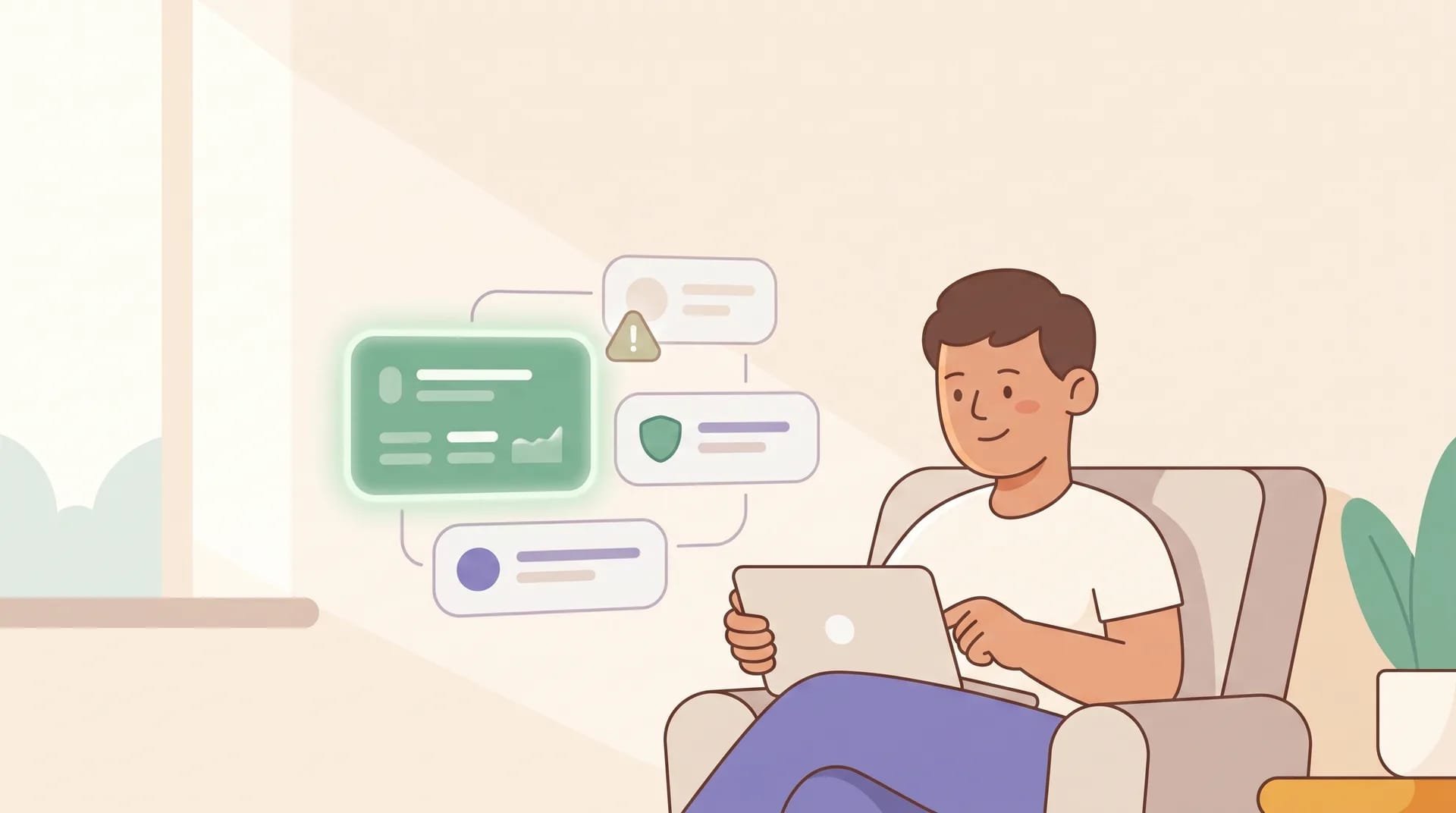
What your dashboard shows you:
What topics they are exploring broadly.
A calm, plain-English overview of how things are going.
A heads-up if anything genuinely needs your attention.
What your dashboard doesn't show you:
A line-by-line transcript of everything your teenager typed at a certain time.
We made this choice intentionally. Teenagers and young people deserve room to breathe. Being a teenager means having private thoughts, weird questions, and awkward ideas you aren't ready to share with your parents yet. That is normal and healthy.
A tool that exposes their every word doesn't keep them safe, it just teaches them that nothing they say is private. The moment kids realize they are being micro-monitored, they find a device you can't see. You end up with less insight, not more.
That’s why our core philosophy is "Summaries, Not Surveillance."

The One Exception
There is a single scenario where we break the "summaries only" rule, and we want to be 100% transparent about it.
If our system flags a serious safeguarding concern, the kind of critical alert where a parent needs immediate, plain evidence, we show you the exact message that triggered the alert. Not the whole back-and-forth chat history, just the specific phrase that matters.
If a child types something suggesting self-harm, grooming, or severe distress, simply telling you "there was a high-level alert" isn't enough. You need enough context to understand what’s happening so you can step in and help.
That is what we do.

Why We Are Being This Direct
Most tech companies write a vague paragraph about how much they "value your family's privacy" and leave you to figure out the rest.
But as a parent, you are deciding whether to trust a tool with a window into your child’s world. You shouldn't have to take a leap of faith, and you shouldn't have to read every word of jargon.
The bottom line:
We monitor AI chats and nothing else.
You get high-level summaries, not raw transcripts.
The only exception is a critical safety threat.
You stay in control, which means you can clear history or pause the tool whenever you like.
If that feels like the right balance between keeping your child safe and giving them the privacy they need to grow up, that is exactly why we built it.
Want to see how it looks in practice?
Explore how it works: Visit haloaware.com
Test it yourself: Try our interactive live demo (No sign-up or credit card required)