OpenAI's parental controls let you set limits and get rare safety alerts, but they don't show you what your teen is actually talking about. Here's why that gap matters, and how to close it.
If you have a teenager, there's a very good chance they're using ChatGPT. Maybe to help explain a tricky history GCSE question, or maybe just messing around with it after school. Naturally, our first instinct as parents is to look for the parental controls.
The good news: OpenAI has added some. The catch is what they do, and what they quietly leave out.
What ChatGPT's parental controls actually do
In late 2025, OpenAI rolled out parental controls, and they're a genuine step forward. Once you and your teen link your accounts, you can:
Set quiet hours when ChatGPT can't be used
Reduce sensitive content
Manage features like voice mode, image generation and memory
Turn on Study Mode, so ChatGPT guides them through their homework instead of just handing over the answer
You may also receive a safety notification in rare, serious situations, where OpenAI's systems detect possible signs of a genuine safety risk. These are deliberately narrow and only include the information needed to help you support your teen.
There's one thing worth knowing about how it's set up: your teen has to start the link from their own account and enter your email. You can't set it up for them, and they can disconnect it (though you're notified if they do).
The part parents don't always realise
Here's the catch, and it's straight from OpenAI: parental controls do not let you read or monitor your teen's conversations.
You can shape what ChatGPT allows. You can't see what your child is actually talking to it about, unless something crosses the threshold for one of those rare safety alerts.
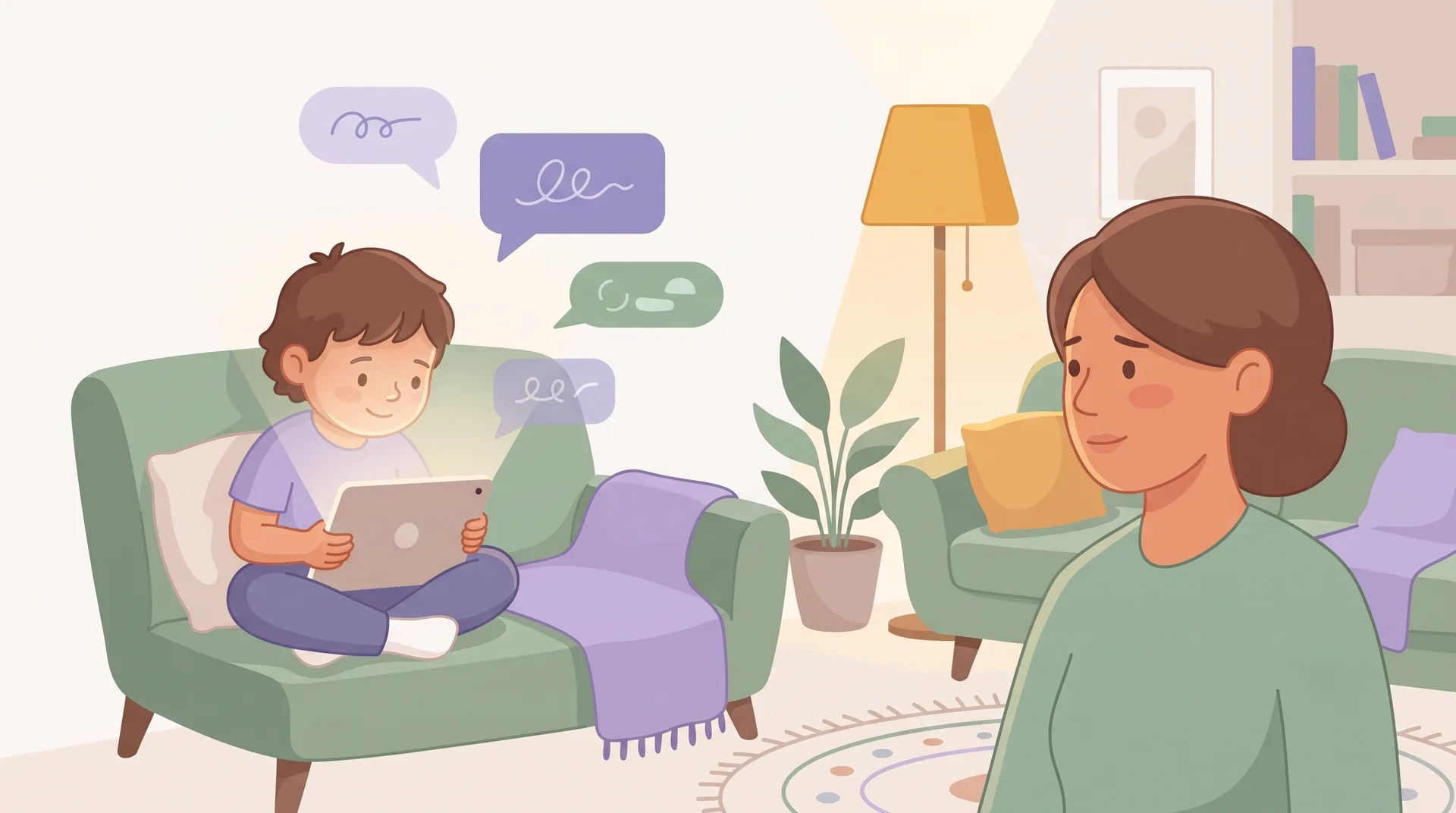
So the everyday question, the one most of us actually have, "what is my child talking to this AI about," the built-in controls don't answer. You can lock the settings down and still have no idea whether they used it for their physics homework or as an unguided sounding board during a tough week.
Why screen-time limits don't fill the gap either
A lot of us use tools like Apple Screen Time or Google Family Link, and some pay for apps like Bark. These were built for a different job, locking the phone at bedtime, filtering websites, flagging risky texts, and they do that well.
But AI is a different problem. If a tool tells you your teen spent two hours on ChatGPT today, what does that actually mean? Were they getting a brilliant explanation for their physics homework, or leaning on the chatbot like a therapist because they're having a hard time?
You can't just block ChatGPT entirely, either. They genuinely need to learn to use it well for school and, before long, for work. So most of us leave it open, cross our fingers, and hope for the best.
Summaries, not surveillance
When my co-founder and I started building Halo Aware, we wanted a middle ground: something that respects a teenager's privacy while giving parents real peace of mind.
Because honestly, who has time to sit down at 9pm and read thousands of lines of chat logs? It's exhausting, it's invasive, and it chips away at the trust you have with your kids.
So we built Halo Aware to bridge that gap. It securely captures the exchanges across platforms like ChatGPT, Character.AI and more, but instead of showing you their private conversations, it gives you a high-level overview.
On a normal week, you'll just get a quick note: "Your teen used ChatGPT for history homework and creative writing. Everything looks age-appropriate." You get the context you need to know they're doing okay, without ever reading their digital diary. And if something genuinely concerning comes up, like signs of serious isolation or self-harm, it bypasses the summary and alerts you so you can step in.
Conversational AI is moving too fast for old-school internet rules. We don't need to act like spies. We just need enough context to keep our kids safe.
Details about ChatGPT's parental controls in this post are drawn from OpenAI's own help pages and were checked in August 2026. OpenAI updates these controls regularly, so it's always worth checking their site for the latest.
Conversational AI is changing way too fast for old-school internet rules. We don't need to act like spies; we just need a bit of context to keep our kids safe.